
Scrivener is the writing app many novelists start with, and for good reason. It is $59.99 once, it keeps research beside the draft, and its compile turns one project into Word, PDF, EPUB and Kindle files. People still look for an alternative, usually for one of four reasons. It is hard to learn; a reviewer on Dabble's site put it as "Scrivener has everything. It really does. But it is confusing, and clunky." Sync with the iPhone and iPad app runs through Dropbox. There is no Linux, Chromebook or Android version, and no live co-writing. And the project has sat at chapter eleven for a year.
The first three are app problems, and several apps below solve them. The fourth is not: a new app moves the same unfinished book to a new window. So this list is sorted by how well each tool holds a novel and how far it gets that novel toward the last chapter.
Pick by what you want instead
- The book finished, from an idea or from your stuck Scrivener project: BookNova. Compile the project to .docx and BookNova writes the rest with you, or start from one line. One payment from $59 in the US, 30-day refund. See plans and prices.
- Scrivener, but simpler and synced everywhere: Dabble or Novlr
- A tidy writing app with optional AI help: LivingWriter
- AI that drafts scenes from your beats: Novelcrafter or Sudowrite
- Worldbuilding or outlining: Campfire or Plottr
We make BookNova, ranked first here. Facts come from each vendor's own pages, read November 22 to 25, 2026, and are linked; screenshots were taken on November 25, 2026.
Quick pick
| You want | Best pick | Runner-up |
|---|---|---|
| The novel finished, not just organized | BookNova | Novelcrafter |
| A stuck Scrivener draft carried to the end | BookNova (Platinum) | Sudowrite |
| Easier than Scrivener, on every device | Dabble | LivingWriter |
| A free plan and a daily writing habit | Novlr | Campfire |
| Optional AI beside the manuscript | LivingWriter | Novelcrafter |
| Maps, magic systems and cultures | Campfire | Novelcrafter's Codex |
| Your money back if it does not suit you | BookNova (30 days) | Dabble (money-back guarantee) |
How we ranked them
We weighed what a switch would really change: how far the tool gets the book toward done (30%), how well it holds and organizes a manuscript (25%), devices and sync (15%), cost and refund terms (15%) and files for publishing (15%). Scrivener itself would score high on organizing and export, and zero on getting the book written.
BookNova
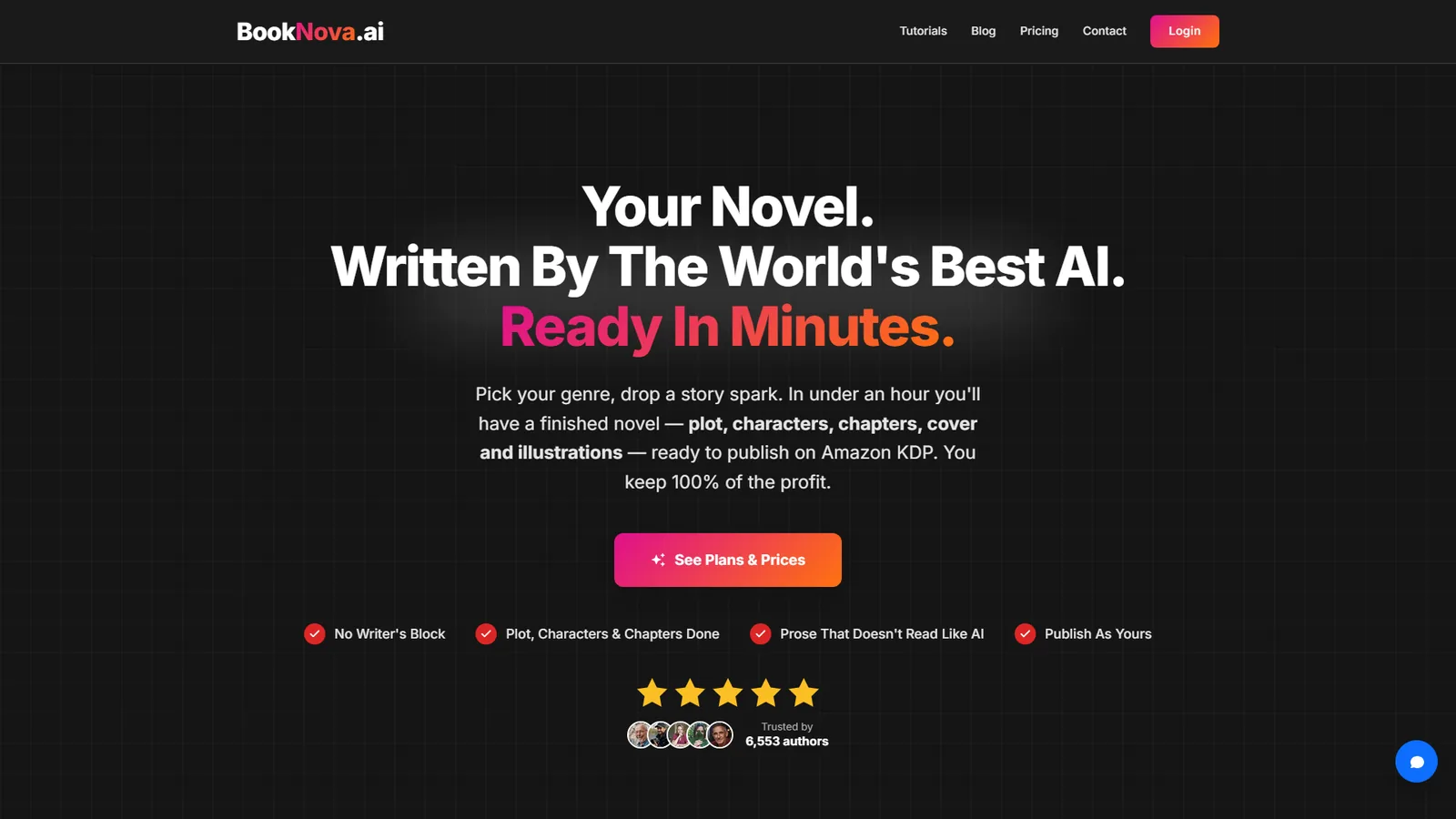
Every other tool here is a better place to type. BookNova is an AI book writer built for fiction only, and it writes the book with you.
Starting fresh? Give it a premise, one line or pages of notes. It builds a Story Bible, the characters and a chapter plan with the length, point of view and tone you choose; you edit the plan, and planning costs no credits. Then it writes the chapters in order, tracking each character, what they know and which threads are still open, the job your binder did by hand. Auto mode writes the whole draft in 30 to 90 minutes. Sail mode goes chapter by chapter: one editable chapter plan, a New ideas button, your steer.
Stuck in Scrivener? Compile the project to Word. On Platinum and Author, upload the .docx: BookNova splits it into chapters, reads the whole manuscript, learns your voice and writes the rest with you in Sail mode. It does not rewrite your chapters, and imported chapters cost no credits.
It makes the cover, and from Pro it exports DOCX, EPUB and files ready for KDP, Lulu and Draft2Digital. The DOCX goes back into Scrivener if you want to revise there.
As of November 22, 2026: 13,000+ books finished, averaging about 42,000 words; 2,000+ unfinished manuscripts imported. Real author reviews are public. Plans are one payment in the US, $59, $99, $179 or $349, with a 30-day refund on a first plan.
Choose it if the app was never the problem and the book is.
Dabble
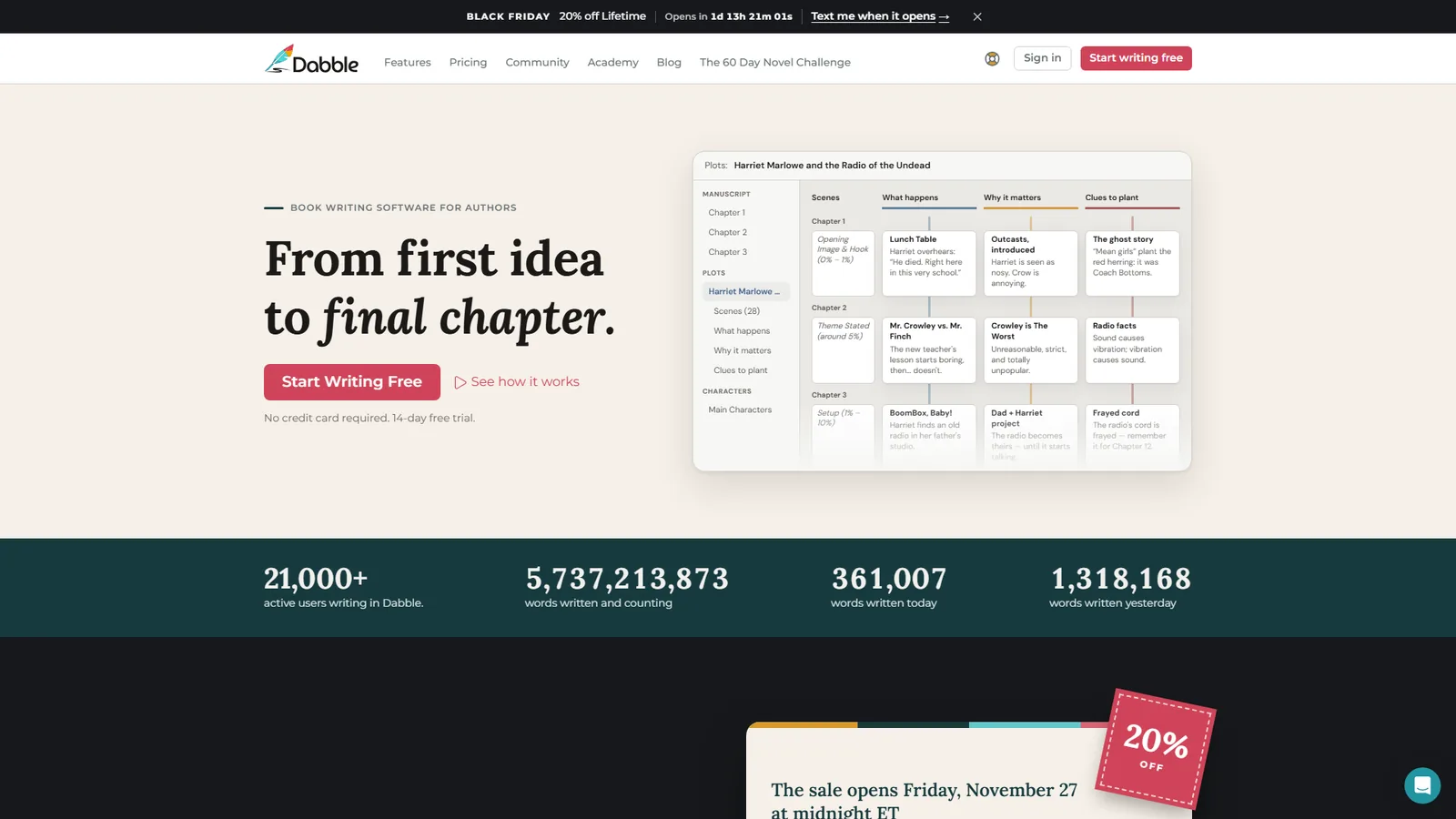
Dabble says openly that it "builds upon what Scrivener pioneered". You get a binder of parts, chapters and scenes, a Plot Grid with scenes in rows and plot lines in columns, character profiles and a story notebook. It runs in the browser, as offline desktop apps for Windows, Mac and Linux, on Chromebooks and on phones as a web app, with sync built in and live co-authoring in every plan.
Writer is $19 a month or $180 a year. It exports Word, Google Docs and Markdown but "does not export PDF or ePub directly", so you lose Scrivener's compile. It has no AI, on purpose. See our Dabble review and Dabble vs Scrivener, which adds five-year cost.
Choose it if sync and an easier learning curve are why you are leaving. Skip it if you want to pay once at Scrivener's price.
Novlr
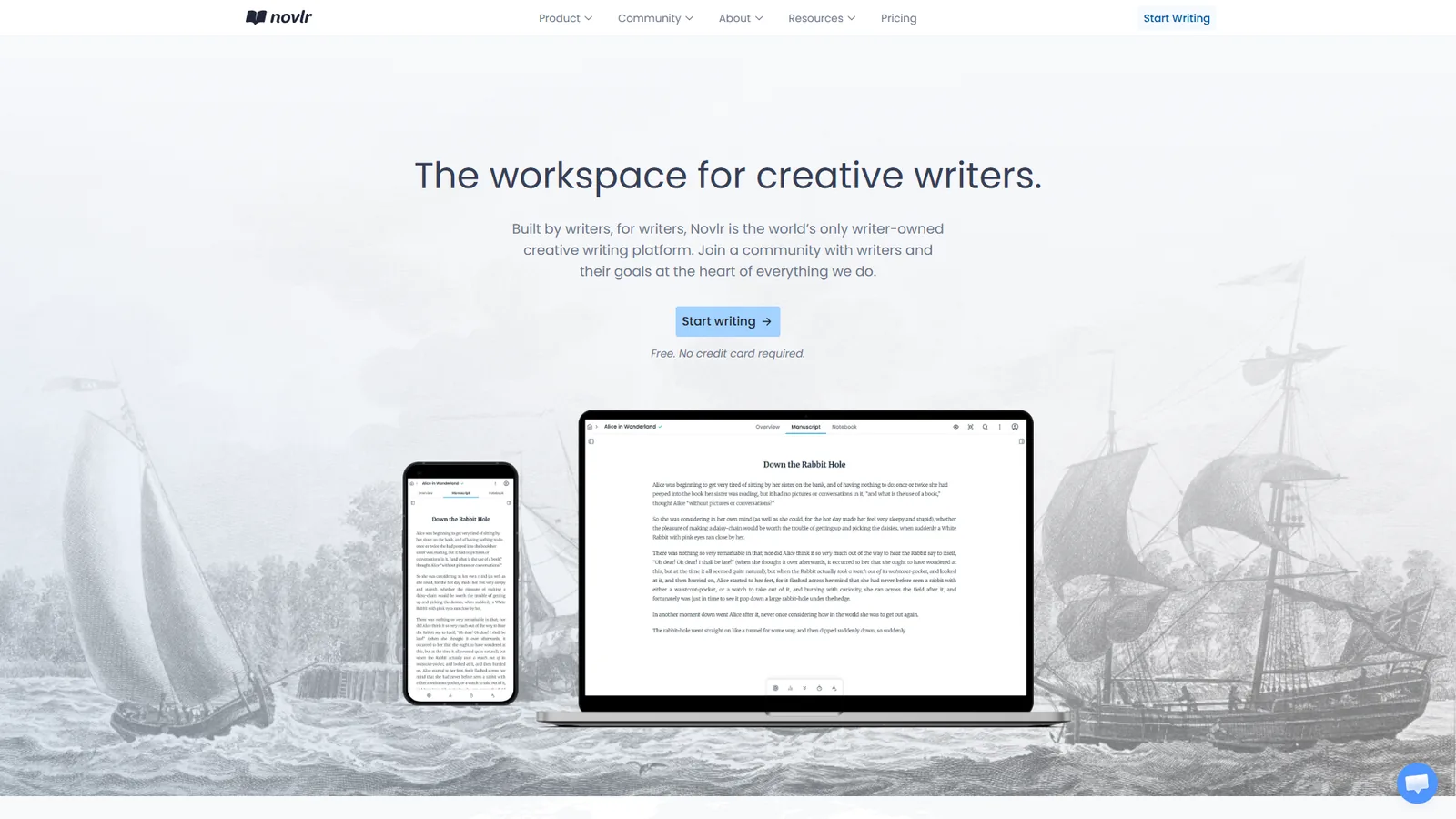
Novlr is quieter than Scrivener: a clean editor with notes beside the manuscript, a planning grid, goals, streaks, sprints and writing analytics, built to get you writing every day. It is the only writing app here that imports a Scrivener project (.scriv) directly, along with .docx, and it exports Word, an agent-ready submission manuscript and EPUB.
The free plan holds 5 projects with no card. Starter is $10 a month and Studio $20, and a $499 lifetime plan makes you a co-owner of the company. It runs only in the browser, and its terms say all sales are final. Novlr says there is no AI writing tool in it "and there never will be". Read our Novlr review.
Choose it if you want a gentle daily habit more than a binder. Skip it if you write offline for long stretches.
LivingWriter
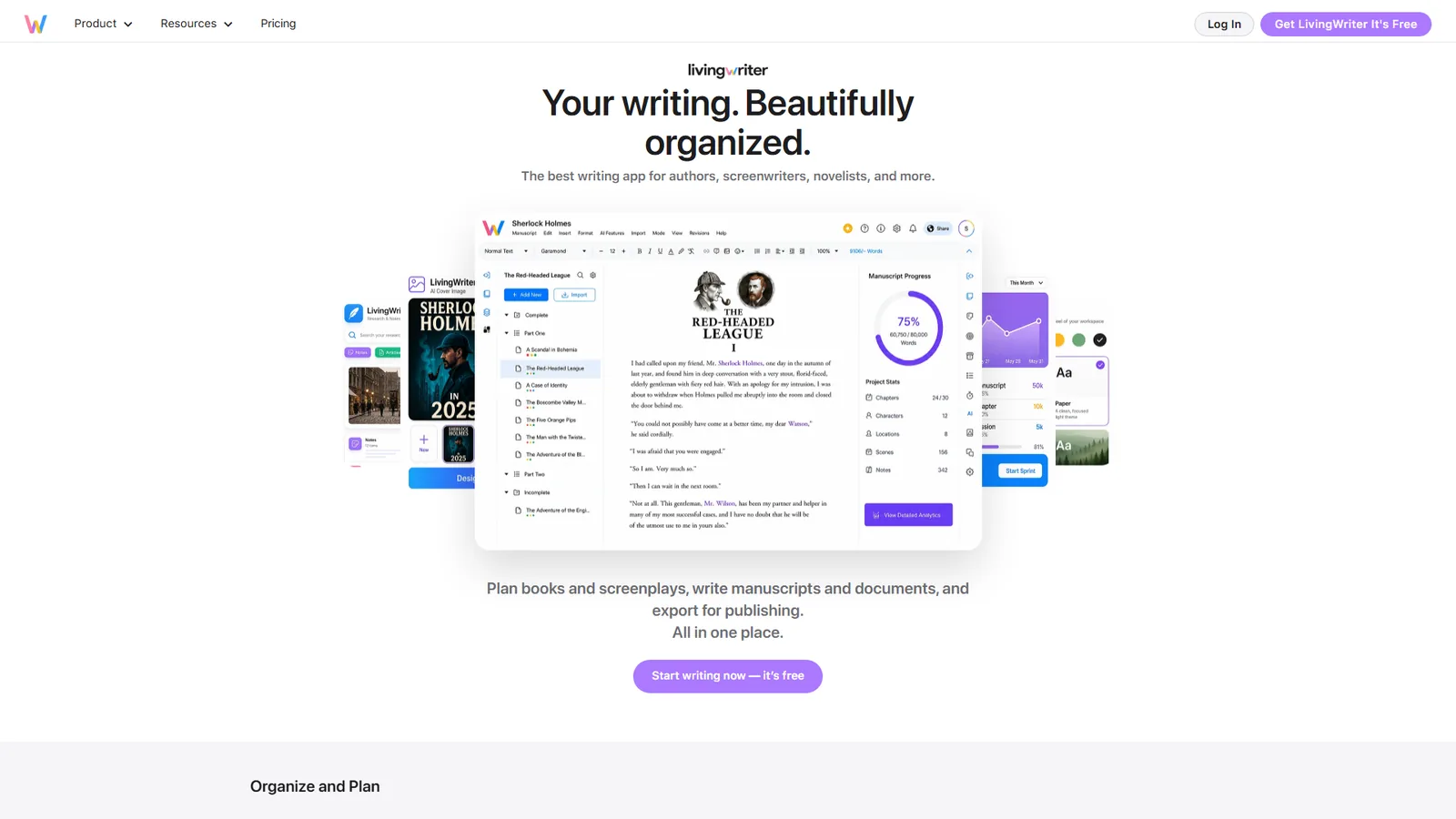
LivingWriter is often named as the modern Scrivener: chapters you drag on a Manuscript Board, planning, elements and research boards, and story templates from Story Circle to Romancing the Beat. It runs in the browser, on Windows and Mac, and on iOS and Android, all synced.
Its optional AI chats about your manuscript, flags pacing and plot gaps, rewrites passages you select and drafts outlines. It does not write your chapters. The free plan holds 1 manuscript of up to 25,000 words, so a novel needs Pro at $179 a year, and the terms say subscriptions are "not refundable under any circumstances". Read our LivingWriter review.
Choose it if you want Scrivener-style structure on every device, with an AI to talk to.
Novelcrafter
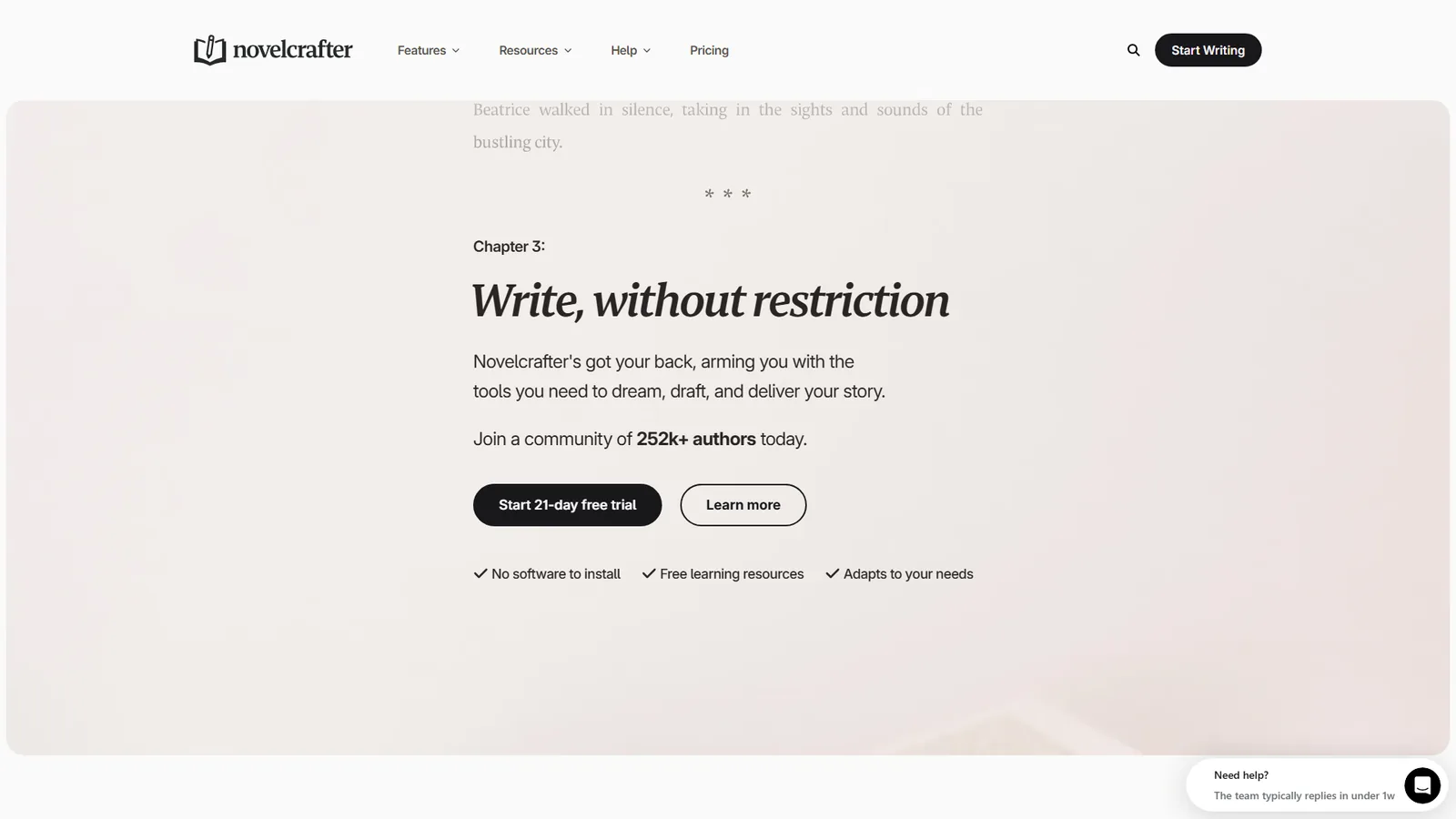
Novelcrafter is the most Scrivener-like tool with AI. The plan shows acts, chapters and scenes with summaries, a matrix shows where each character appears, and the Codex, a story wiki, tracks every mention. Write a beat and the AI turns it into prose, reading the Codex entries for the people in the scene.
You bring the AI: connect a key from a provider such as OpenRouter and pay for what you use. Most AI writers need $8 or $14 a month, plus that bill, and you still drive every scene. See Novelcrafter vs Scrivener for using the two together, and Novelcrafter vs BookNova for drafting.
Choose it if you want AI help scene by scene. Skip it if "API key" already sounds like work.
Campfire
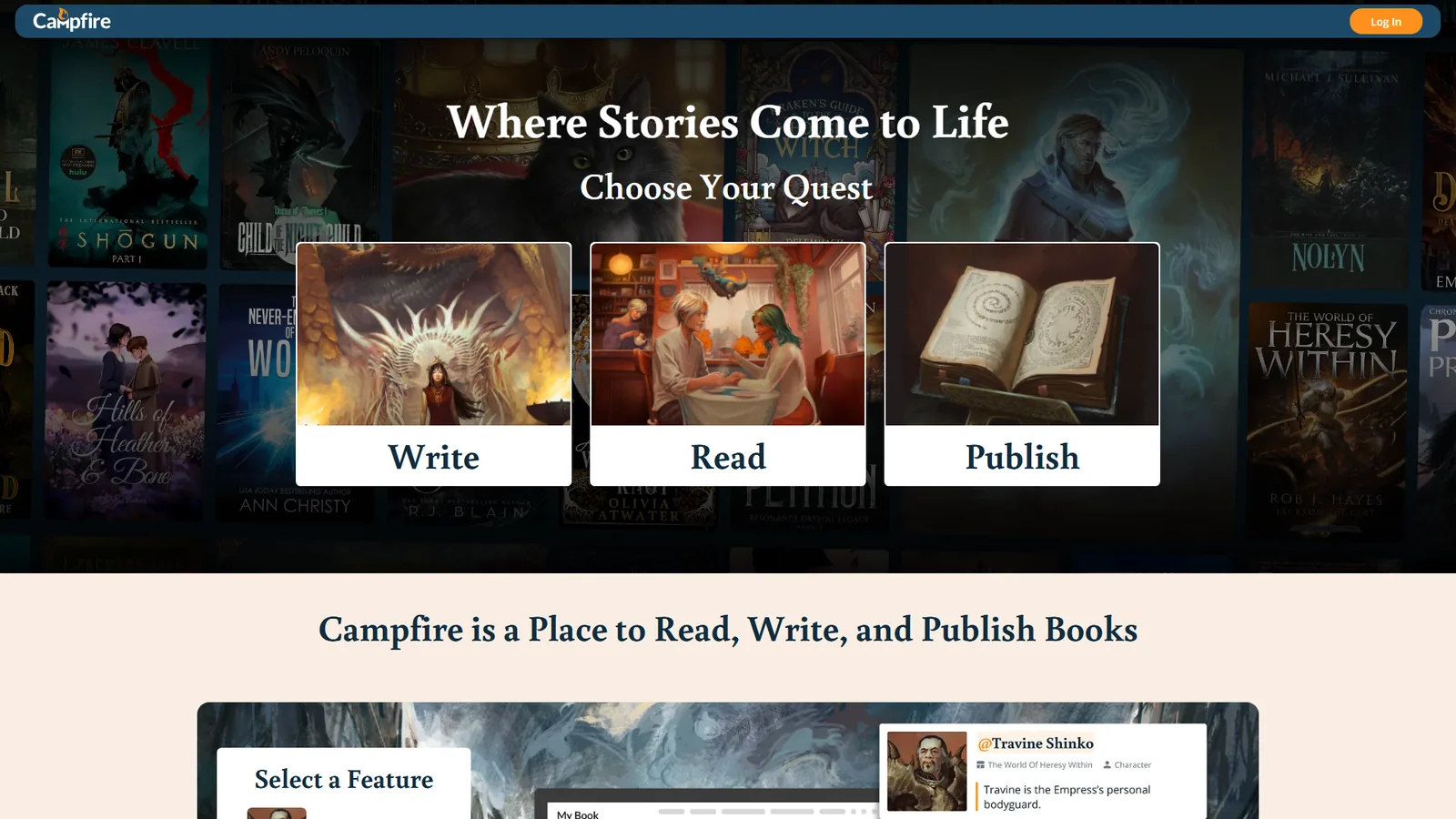
Where Scrivener keeps your world in folders of notes, Campfire gives it tools: 18 linked modules including Manuscript, Characters, Timeline, Maps, Magic, Languages, Species and Cultures. It runs in the browser, as desktop apps for Mac and Windows, and as a mobile app, and it imports DOCX or EPUB split into chapters.
The free plan gives limited access to every module, including a 25,000-word manuscript. Standard was $12 a month when we looked, marked down from $19, or $99 a year. It compiles to PDF or EPUB. Annual and lifetime purchases can be refunded within 30 days; monthly plans cannot. Campfire's blog calls it "deliberately AI-free". Read our Campfire Writing review.
Choose it if your world needs more structure than your plot.
Plottr
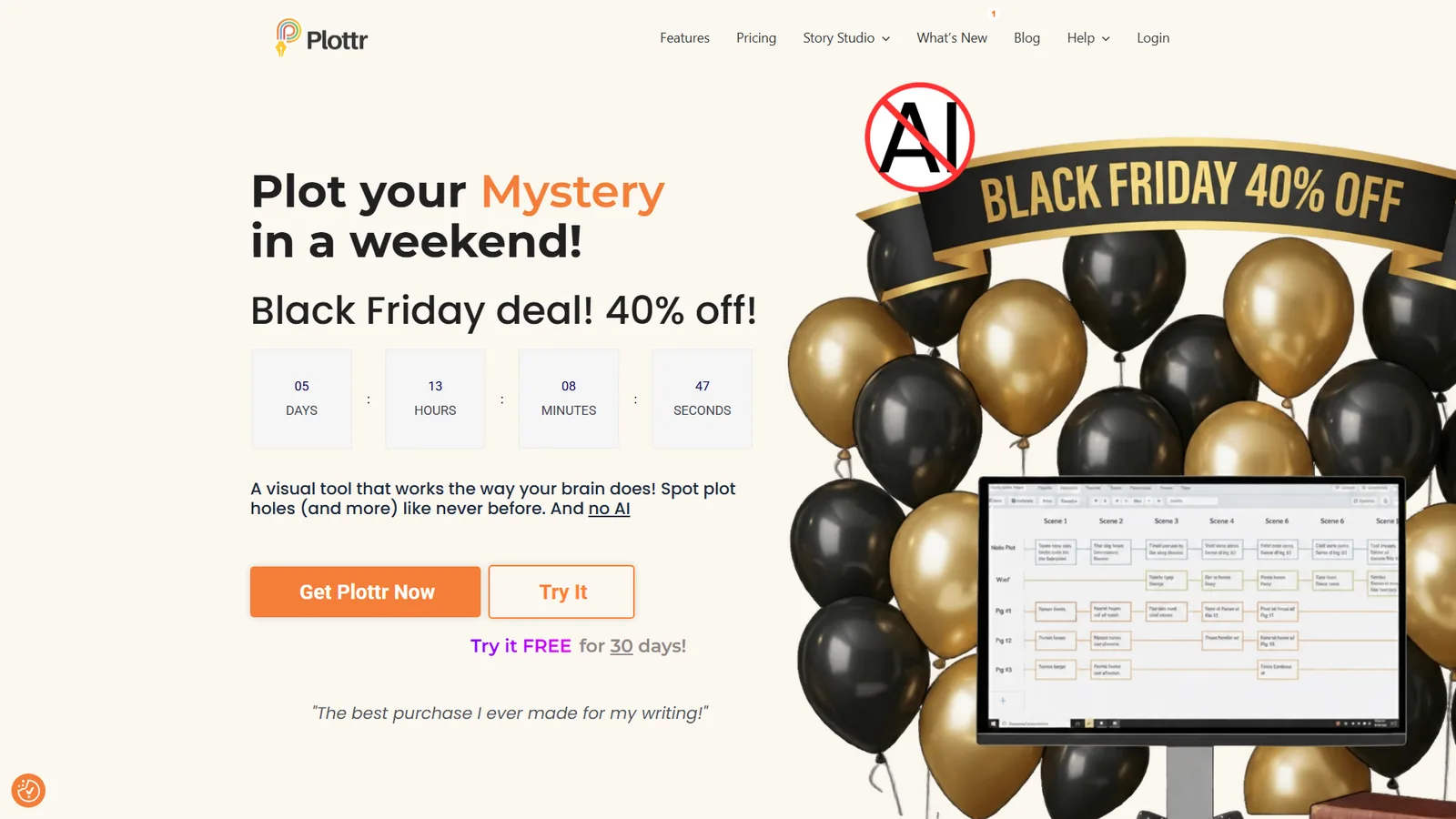
Plottr is less an alternative than a partner. It is a visual outliner: a drag-and-drop timeline of scenes and plotlines, 30+ story templates and a series bible. It imports from Scrivener and exports to a Scrivener file or Word.
Its help center says writing the manuscript is "not what Plottr is built for", and its homepage sends you off to "go write the book in your favorite writing app." So it replaces Scrivener's corkboard, not Scrivener. There is a 30-day trial and no refund after purchase, and Plottr says it is "committed to rejecting AI features." See our Plottr review and Plottr alternatives.
Choose it if your trouble with Scrivener is seeing the whole plot at once.
Sudowrite
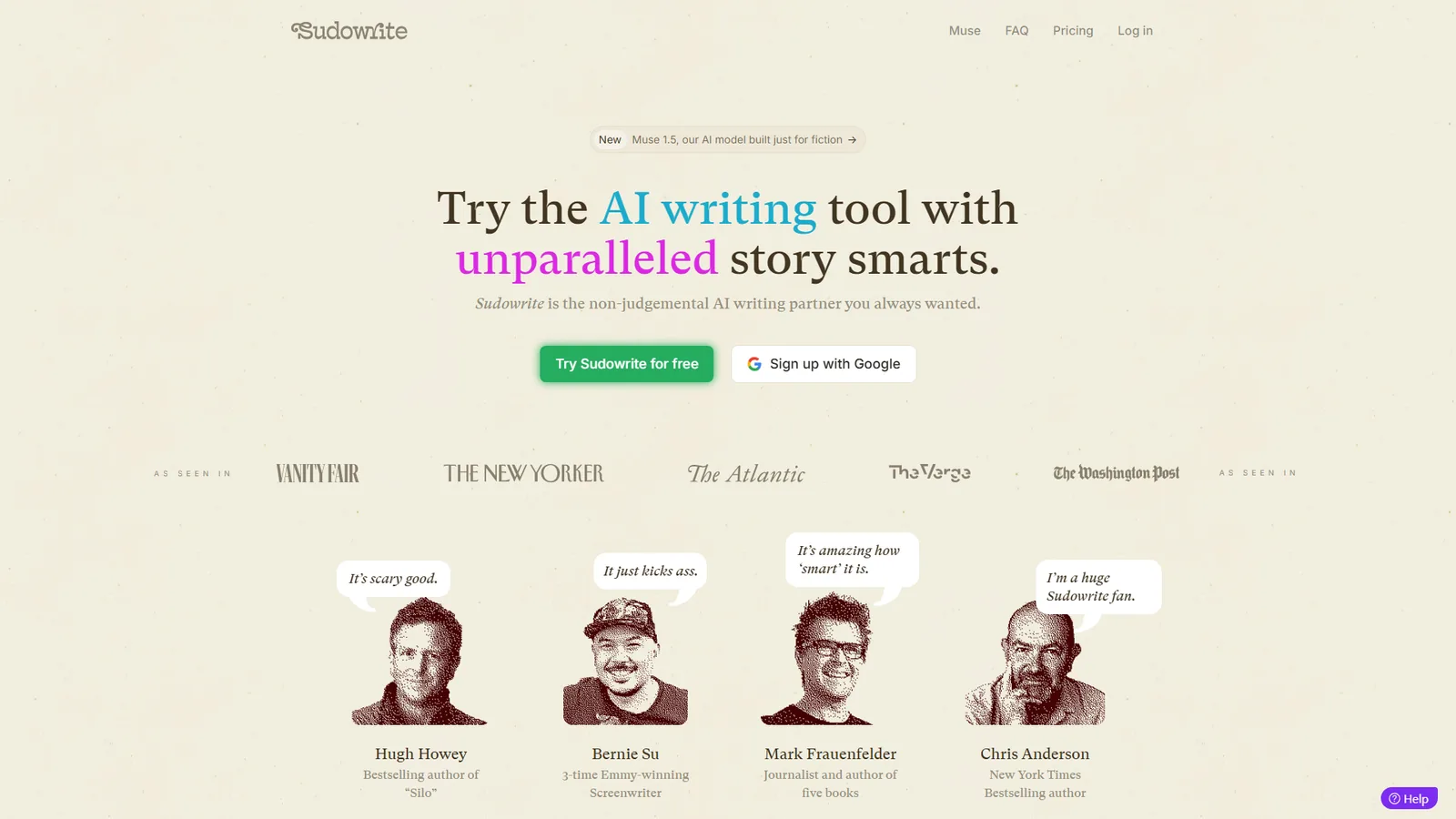
Sudowrite is the best-known AI tool for fiction, and many writers keep it open beside their manuscript. Its Story Bible runs from braindump and synopsis to outline and scenes, and Rewrite, Describe and Expand help line by line, from up to 1,000 words of your prose as a style example.
As a home for the manuscript it is thinner than Scrivener, and the meter matters. By Sudowrite's own estimate an 80,000-word draft on its Muse model uses about 960,000 credits, nearly a month of the $29 plan, built scene by scene. Its trial article offers a refund within the first 7 days.
Choose it if you want to write every sentence yourself with a strong assistant. Compare: Sudowrite vs BookNova.
Side by side
| Tool | Writes the chapters | Runs on | Free start | Refund | Price |
|---|---|---|---|---|---|
| Scrivener, for reference | No, you write | Mac, Windows, iPhone and iPad | 30 days of use | 30 days | $59.99 once per platform |
| BookNova | Yes, the whole book or the rest of your draft | Browser | None | 30 days on a first plan | $59 to $349 once (US) |
| Dabble | No, AI-free | Browser, Windows, Mac, Linux, phone web app | 14 days | Money-back guarantee | From $19 a month, $699 lifetime |
| Novlr | No, AI-free | Browser | Free plan | All sales final | Free, $10 or $20 a month |
| LivingWriter | No, AI assists | Browser, Windows, Mac, iOS, Android | Free plan | None | Free, $179 or $229 a year |
| Novelcrafter | From your beats, with your AI key | Browser | 21 days | Not covered here | $4 to $20 a month plus AI |
| Campfire | No, AI-free | Browser, Mac, Windows, mobile | Free plan | 30 days, annual and lifetime | Free, $12 a month |
| Plottr | No, and not a manuscript editor | Windows, Mac; web on Pro | 30 days | None after purchase | $60 a year or $150 lifetime |
| Sudowrite | Scene by scene, on credits | Not covered here | Not covered here | First 7 days | $19 to $59 a month |
Prices are the regular ones; Dabble, Plottr and Novlr had Black Friday discounts when we looked.
What finishing a stuck novel costs
Say your Scrivener project holds 40,000 words and needs 40,000 more. In any writing app on this list, or in Scrivener itself, those words are yours to type: at 1,000 words a day, about 40 writing days. Sudowrite can draft them with you, scene by scene, on credits. On BookNova Platinum, $179 once, your imported chapters cost no credits and the new ones fit easily in the 200,000-word allowance, with the cover and files for KDP, Lulu and Draft2Digital included.
Moving a Scrivener project
For most tools the move starts with File > Compile to a Word .docx, with each chapter heading on its own line.
- BookNova (Platinum, Author): upload the .docx; it continues from where you stopped. On any plan you can paste your notes or outline as the premise.
- Dabble and Campfire: import the .docx and split it into chapters.
- Novlr: imports the .scriv project itself.
- LivingWriter (Pro) and Novelcrafter: import Word files.
- Plottr: imports from Scrivener and exports back to it.
Research, snapshots and metadata do not travel in a .docx, so keep the Scrivener project as an archive.
Pair Scrivener, or any of these, with
Two tools come up in Scrivener threads that are not writing apps at all. They work on a manuscript you already have.
- Fictionary, for the story edit. It maps a draft scene by scene against a story arc and 38 story elements, and Edwina, its AI editor, gives notes on scenes. It imports .docx only and is most useful from about 25,000 words. A membership from $49 a month, billed yearly. Read our Fictionary review.
- Atticus, for the interior. A writing editor and book formatter for $147 once, with EPUB, print PDF and DOCX export, a 30-day money-back guarantee and no AI. It imports a compiled Scrivener .docx. Read our Atticus review.
If your book is written in BookNova on Pro or up, the KDP interior, EPUB and cover with spine come with it, so you may not need a separate formatter. If you wrote it yourself, Atticus is a fine last step.
When Scrivener is still the right tool
- You want to pay once, cheaply. $59.99 per platform, with a 30-day trial that counts only days of use.
- You live on research. PDFs, web pages and images sit in the same project as the draft.
- You format your own ebooks. Compile produces Word, PDF, EPUB and Kindle files from one project.
- You want your files on your own computer and no AI anywhere. On the AI prompts some Mac users see, read does Scrivener have AI?
Verdict: If Scrivener's learning curve or Dropbox sync is the problem, Dabble is the closest replacement and Novlr the calmest, with a free plan. LivingWriter adds phones and optional AI, Novelcrafter adds AI drafting from your beats, Campfire goes deepest on worldbuilding, Plottr is the outliner to pair with any of them, and Sudowrite helps with the sentences. But if the real problem is a novel that never reaches the last chapter, a new place to type will not fix it. BookNova is the best Scrivener alternative for that writer: it writes the book with you, from an idea or from your compiled Scrivener .docx, keeps your own chapters as they are, and finishes with a cover and files for KDP, Lulu and Draft2Digital, for one payment with a 30-day refund.
Upload your .docx. BookNova reads every chapter, learns your voice and writes on to the end. Your own chapters stay as you wrote them.
- 2,000+ manuscripts imported
- Platinum and Author plans
- 30-day refund
FAQ
What is the best alternative to Scrivener?
For a finished book, BookNova: it writes the novel with you, from an idea or from your unfinished draft. For a simpler writing app that syncs everywhere, Dabble. For a free plan, Novlr or Campfire. For optional AI beside the manuscript, LivingWriter or Novelcrafter.
Is there a free Scrivener alternative?
Novlr, Campfire and LivingWriter have free plans with limits: 5 projects on Novlr, a 25,000-word manuscript on Campfire and on LivingWriter. Dabble gives 14 days free, Novelcrafter 21 days.
Can BookNova finish a novel I started in Scrivener?
Yes, on Platinum and Author. Compile the project to .docx and upload it. BookNova reads the whole manuscript, learns your voice and writes the remaining chapters with you. Your chapters stay as you wrote them, and imported chapters cost no credits.
Sources, read November 22 to 25, 2026
- Scrivener: overview, store, FAQ, November 25
- Dabble: pricing, vs Scrivener, reviews, AI-free, export, November 25
- Novlr: pricing, about, terms, import help, November 25
- LivingWriter: pricing, AI features, terms, November 24
- Novelcrafter pricing, November 22
- Campfire: pricing, apps, AI-free statement, November 25
- Plottr: homepage, pricing, writing in Plottr, exporting, November 25
- Sudowrite: pricing, cost of a novel, trial and refund, November 22
- Fictionary pricing and FAQ, Atticus, November 25
- BookNova refund policy, author reviews